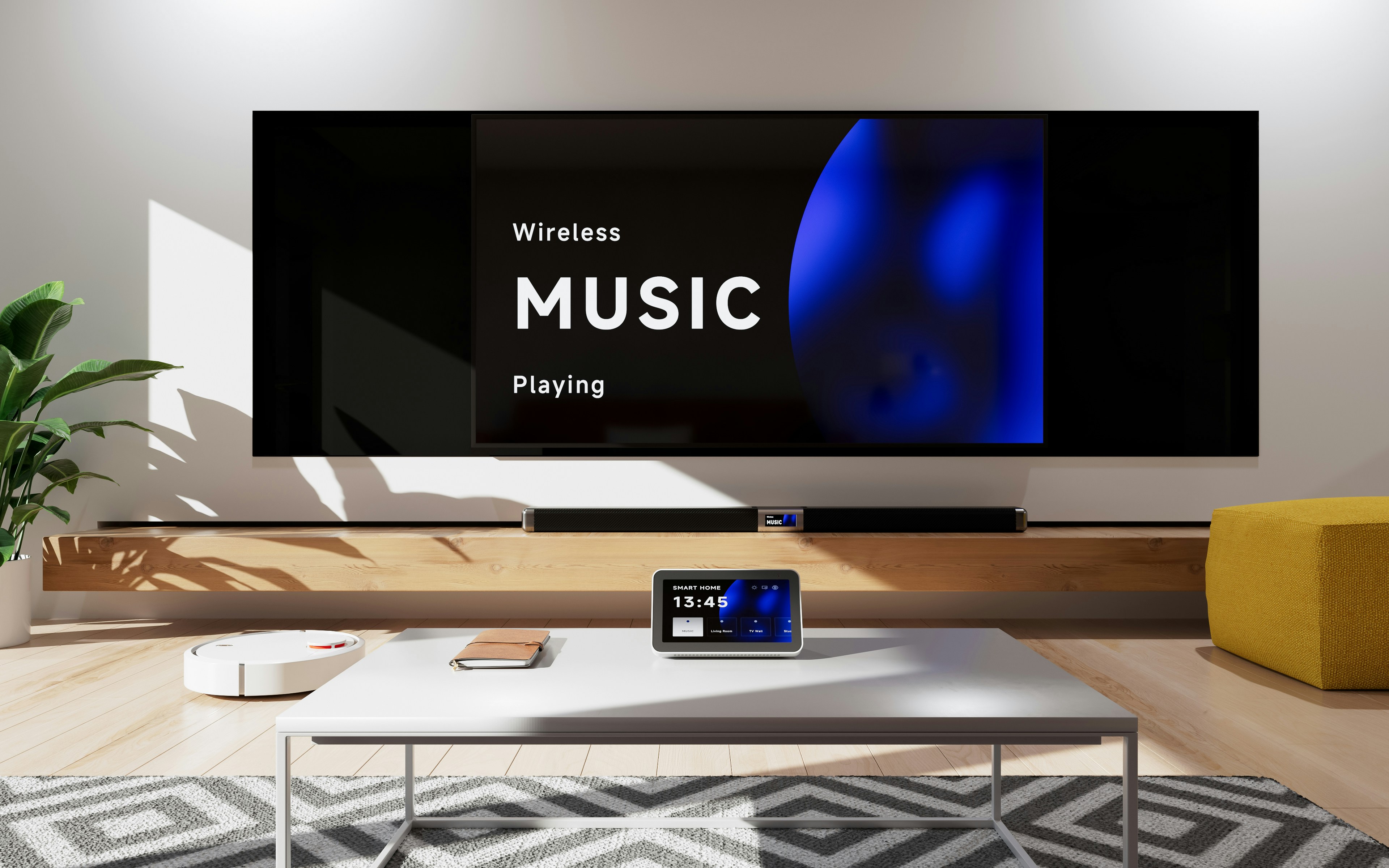
Family watching IPTV on a 4K television in a Belgian living room
Country Guides 10 min read

Family 4K Player in Belgium: Setup Guide and Channel Tips

Emma Dubois

Emma Dubois

Player Reviews & Comparisons

Belgium is unique in Europe for its linguistic patchwork: Dutch-speaking Flanders in the north, French-speaking Wallonia in the south, a small German-speaking community in the east, and officially bilingual Brussels in the centre. For IPTV, this means the ideal setup involves channels from at least two — and sometimes three — language communities, each with their own broadcasters, EPG data, and stream formats.

Family 4K Player has become a popular choice for Belgian households because it handles multilingual content gracefully and offers robust parental controls suited to family viewing. This guide walks through the complete setup process in Belgium, covers the key channels for each community, and offers practical tips for Proximus and Telenet users.


Why Family 4K Player for Belgian Households?

Family 4K Player was designed with shared household viewing in mind. Unlike players aimed primarily at enthusiasts, it prioritises clarity and safety:

  • Profile-based access: Multiple user profiles, each with configurable content restrictions, so children see only age-appropriate channels and content.
  • 4K and HDR support: Belgium’s major ISPs now deliver sufficient speeds for UHD IPTV on most connections. Family 4K Player supports H.265/HEVC and VP9, covering the codec landscape used by current Belgian IPTV providers.
  • Multilingual EPG: The EPG rendering handles Dutch, French, and German character sets correctly — a small but important detail for Belgian users.
  • Simple interface: The tile-based home screen is accessible to all ages and does not require technical knowledge to navigate.

Belgium’s Linguistic Channel Landscape

Understanding which channels belong to which community helps when configuring your category filters and favourites list.

Dutch-language (Flemish) channels

  • VRT 1, Canvas, Ketnet: Public broadcaster (VRT) channels — the Flemish equivalent of the BBC.
  • VTM, VTM 2, VTM 3, VTM 4: Commercial Flemish channels; VTM is the most-watched commercial channel in Flanders.
  • VIER, VIJF, ZES: DPG Media’s commercial portfolio.
  • Q2, CAZ: Talpa-linked channels with entertainment and reality content.

French-language (Walloon) channels

  • La Une, La Deux, La Trois: RTBF public channels — the French-speaking equivalent of VRT.
  • RTL-TVI, Club RTL, Plug RTL: RTL Belgium’s commercial lineup.
  • AB3, AB4: Entertainment and reality channels.

German-language channels

  • BRF1, BRF2: Belgium’s small German-speaking community broadcaster. Coverage by IPTV providers varies — check with your provider before subscribing.
  • ARD, ZDF, ProSieben, RTL Germany: Most Belgian IPTV providers include the main German channels in their packages, which satisfies the German-speaking community and German expats.

International channels

A typical Belgian IPTV subscription also includes major UK channels (BBC, ITV, Channel 4), French channels (TF1, France 2, M6), Dutch channels (NPO1, RTL 4), and news channels in multiple languages.


Step-by-Step Setup: Family 4K Player in Belgium

Step 1: Install Family 4K Player

Family 4K Player is available on Android TV, Fire TV, and as an Android APK. For most Belgian users with an Android TV box or a Fire TV Stick:

  1. Open the Google Play Store or Amazon Appstore on your device.
  2. Search for Family 4K Player and install it.
  3. If your device does not support the Play Store (some Amlogic boxes), enable Unknown sources in your device settings and sideload the APK from the developer’s official site.

Step 2: Add your IPTV provider’s playlist

Most Belgian IPTV providers supply credentials in Xtream Codes format (server URL, username, password) or as an M3U URL.

  1. Open Family 4K Player and tap Add Source or the + icon.
  2. Select Xtream Codes API or M3U Playlist depending on what your provider gave you.
  3. Enter your credentials. The app will connect to your provider and download the channel list.
  4. Wait for the initial sync to complete — this typically takes 60–90 seconds depending on the size of the channel list.

Step 3: Configure language categories

Once your playlist loads, most providers organise channels into categories. Look for categories named:

  • Belgique / Belgium (mixed)
  • Nederland / Dutch
  • Français / French
  • Deutsch / German

If your provider does not separate by language, use Family 4K Player’s Filter feature to search for channels by name and add them to a custom favourites list.

Step 4: Set up EPG

  1. In the app’s Settings, navigate to EPG / Programme Guide.
  2. Enter your provider’s XMLTV EPG URL. If they did not supply one, try community sources such as EPG.best or IPTV-EPG.com — both have reasonable Belgian channel coverage.
  3. Set the EPG to refresh every 12 hours to keep programme data current.
  4. In the EPG viewer, verify that VRT 1, La Une, and VTM show correct programme titles. If they do not, the channel IDs in your EPG may not match your playlist — see the troubleshooting section below.

Step 5: Configure parental controls

This is where Family 4K Player earns its name:

  1. Go to Settings > Profiles > Add Profile.
  2. Create a profile named after each household member who needs restricted access (e.g., “Kids”).
  3. Set a content rating limit — in Belgium, the standard ratings are age 6, 12, 16, and 18.
  4. Enable PIN protection on the profile settings page. Choose a 4-digit PIN.
  5. Optionally, block specific categories (e.g., “Adult”, “Sports”) entirely for that profile.
  6. Create an Admin profile with no restrictions for adult household members.

When a child accesses Family 4K Player, they select the Kids profile and can only see and play channels and content appropriate to their rating level.


ISP-Specific Tips for Belgian Users

Proximus

Proximus is Belgium’s largest ISP, offering both DSL and fibre (Gigabit Fiber). Key notes for IPTV:

  • Proximus’s residential connections are generally IPTV-friendly. However, their default DNS (automatically assigned via DHCP) can occasionally cause slow channel loading. Switching to Cloudflare DNS (1.1.1.1) or Google DNS (8.8.8.8) in your router or device settings often improves channel switch times.
  • Proximus Fiber delivers symmetrical speeds that fully support multiple simultaneous 4K streams. No special settings are needed.
  • If you are on Proximus VDSL2, your download speed may be 50–100 Mbps depending on your distance from the exchange. This is sufficient for two simultaneous 1080p streams or one 4K stream.
  • Proximus does not appear to throttle IPTV traffic on its network as of 2025.

Telenet

Telenet operates Belgium’s largest cable network, primarily in Flanders, and is the most common ISP for Flemish IPTV users.

  • Telenet’s cable network is shared infrastructure, meaning speeds can vary during peak hours (19:00–23:00). If you experience buffering on weekday evenings, try increasing Family 4K Player’s buffer to 8 MB in Settings > Playback.
  • Telenet has historically blocked certain IPTV-related domains at the DNS level. If channels fail to load but your internet connection is otherwise working, check your DNS settings. Switching to 1.1.1.1 typically resolves DNS-level blocks.
  • Telenet’s DOCSIS 3.1 subscribers (most new subscribers) have sufficient bandwidth for 4K streaming without issues.

VOO (Wallonia)

VOO serves Wallonia and Brussels via cable infrastructure similar to Telenet’s. The same peak-hour buffering advice applies. VOO users in Brussels may also benefit from switching DNS resolvers if they experience intermittent authentication failures.


Belgian EPG Setup in Detail

EPG is particularly important in Belgium because programme schedules from different language communities are maintained separately and sometimes use different channel ID formats.

Finding your EPG source:

  1. Check your IPTV provider’s support page or welcome email — they usually supply an XMLTV URL.
  2. If not, search the IPTV-EPG.com or EPG.best directories for “Belgium”, “VRT”, “RTBF”, or “VTM”.

Matching channel IDs:

If your EPG loads but some channels show no programme data:

  1. In Family 4K Player, go to EPG Settings > Channel Mapping.
  2. Select the channel that is missing EPG data.
  3. Manually search for the channel name in the XMLTV source and select the correct entry.

VRT channels often have IDs like vrt1.be or canvas.be in Belgian EPG sources. RTL channels may use rtltvi.be. Check the raw XMLTV file if you need to find the correct ID.


Getting the Most from Family 4K Player

Catchup / Start-over: If your IPTV provider supports catch-up, Family 4K Player displays a small clock icon on channels that have it available. Tap the channel in the EPG view, then select a past programme to watch from the beginning.

4K channel settings: For 4K streams, go to Settings > Video and ensure:

  • Preferred codec: H.265 (HEVC)
  • Hardware decoding: Enabled (HW+)
  • Resolution: 4K/UHD

Subtitles: Belgian providers often include subtitle tracks on major channels. Look for the subtitle icon (CC) during playback to toggle them on.


Conclusion

Belgium’s multilingual character makes it one of the more interesting — and occasionally challenging — markets for IPTV in Western Europe. Family 4K Player handles this complexity well, with solid multilingual EPG rendering, flexible parental controls, and reliable 4K playback that takes full advantage of Proximus Fiber or Telenet DOCSIS 3.1 connections.

Follow the setup steps in this guide, configure profiles for each family member, and set your DNS to a reliable resolver. Whether you are watching Flemish soap operas on VTM, catching the news on La Une, or checking the Bundesliga on a German sports channel, Family 4K Player has the Belgian viewing experience well covered.

Emma Dubois

Emma Dubois

Player Reviews & Comparisons

Emma tests and compares IPTV players extensively, helping users find the best option for their specific setup. Her reviews are thorough, unbiased, and backed by real-world testing.

@emmadubois

Related Articles